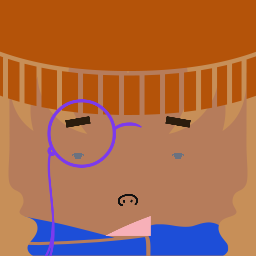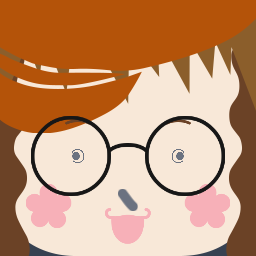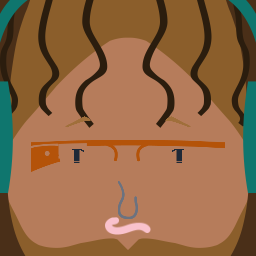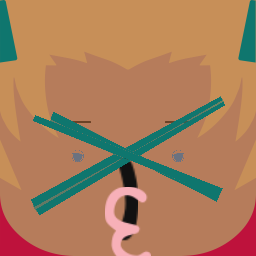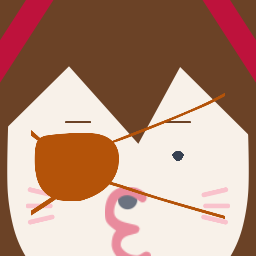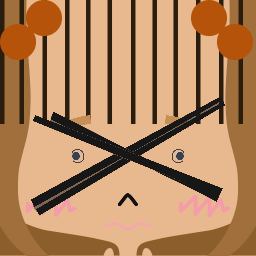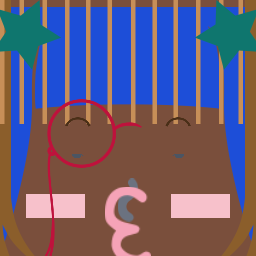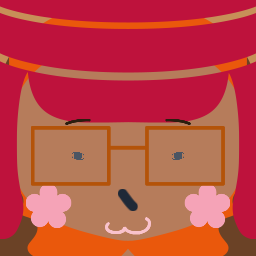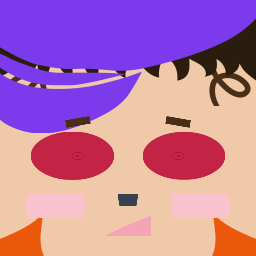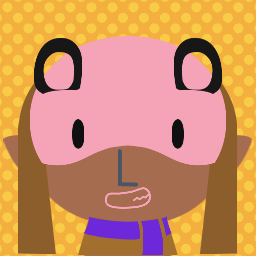

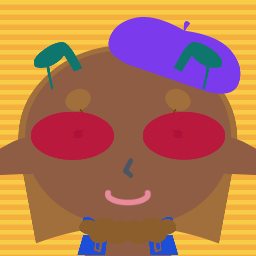
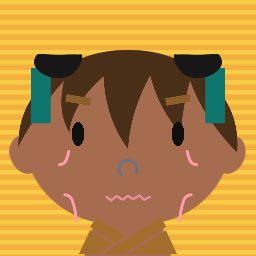
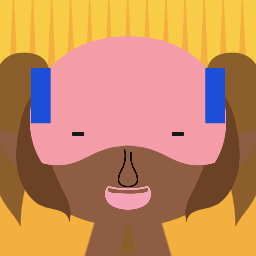
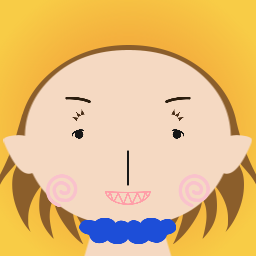
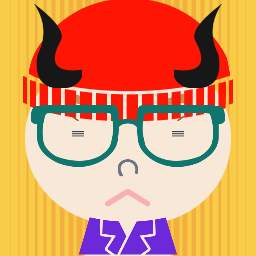
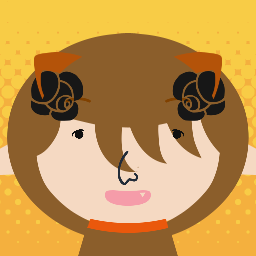
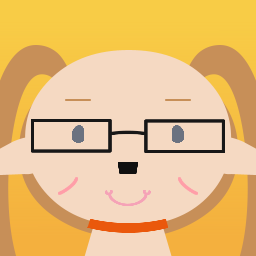
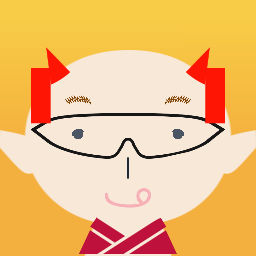
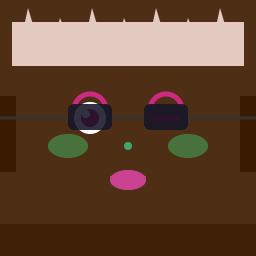
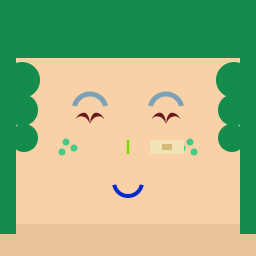
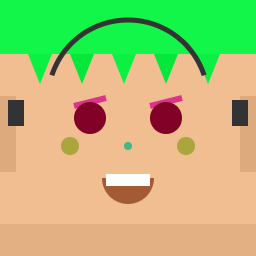
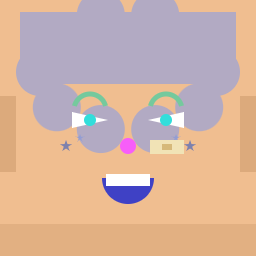
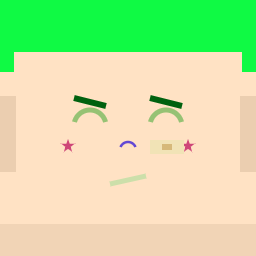
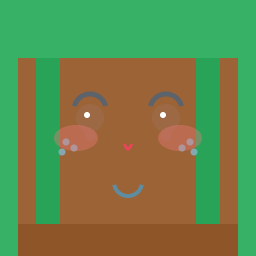
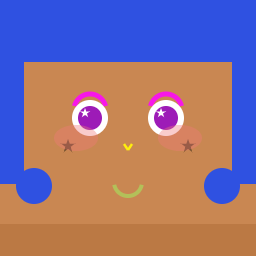
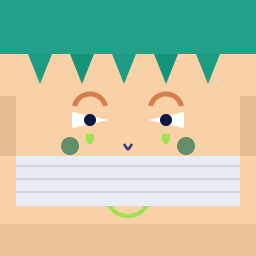
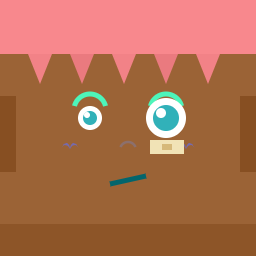
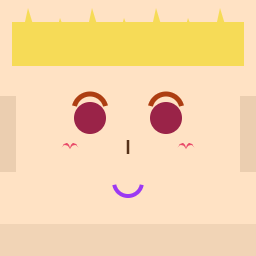
Browse avatar examples made with our square face generator. Every avatar below was built using the same 200+ customization options available to you right now — get inspired, then design your own.
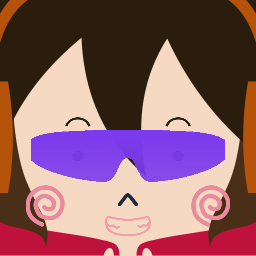
Create your own square face generator avatar using the editor above — completely free, no account required.
About Square Face Generator
Square Face Generator is a free online avatar creator that lets you build a custom square face avatar directly in your browser — no downloads, no account, and no Adobe Flash required. It is a modern HTML5 remake of the classic square face maker that was popular in early 2000s Japanese web culture, rebuilt from the ground up for speed, privacy, and every device.
The original square face generator was built in Adobe Flash. When Adobe ended Flash support in December 2020, the original tool stopped loading in all modern browsers. Our HTML5 remake restores the full square face generator experience — 200+ options across 12 categories — and loads more than 10 times faster than the old Flash version, typically appearing in under one second.
Whether you need a Discord profile picture, a Twitter avatar, a TikTok icon, or just want to have fun, the square face generator has everything you need. Design, preview, and download your 256×256 square face avatar completely free.
How to Use Square Face Icon Generator
Creating your perfect square face avatar with our square face generator is simple and fun. This square face icon generator guide shows you how to use our square face cube generator in three easy steps:
1. Choose Your Features
Browse 12 feature categories in our square face generator — Skin, Bangs, Side Hair, Eyes, Nose, Mouth, Eyebrows, Eyelashes, Cheeks, Glasses, Hats, and Clothes. With 200+ individual options, the square face generator gives you complete creative control to design any look you can imagine.
2. Customize Colors
Fine-tune your avatar with the built-in real-time color picker. The square face generator previews every change instantly — no page reloads, no waiting. Adjust hair, skin, eye, and accessory colors until your square face avatar looks exactly right.
3. Save & Download Your Avatar
Happy with your design? Click Save to export a crisp 256×256 PNG in one click. Your square face generator avatar is ready for Discord, Twitter, TikTok, YouTube, or any social platform — completely free, no account or watermark required.
Why Choose Our Square Face Icon Generator?
Our square face generator stands out from other avatar makers. This square face icon generator offers amazing features that make our square face cube generator the best choice:
Completely Free, Forever
The square face generator is 100% free with no sign-up, no subscription, and no hidden fees. Create unlimited square face avatars whenever you want, with no restrictions of any kind.
200+ Options Across 12 Categories
With over 200 individual options across 12 categories, the square face generator lets you combine hairstyles, eye shapes, accessories, and more to produce millions of unique avatar combinations.
Modern HTML5 Remake — 10× Faster Than the Original Flash Version
The original square face generator was built in Adobe Flash, which was discontinued in 2020 and no longer runs in any modern browser. Our HTML5 remake loads in under a second — more than 10 times faster — and works everywhere with zero plugins required.
Works on Every Device
Built on responsive HTML5 Canvas, the square face generator runs smoothly on desktop, tablet, and mobile. No app download or plugin needed — open the page and start creating immediately.
100% Private — Nothing Is Uploaded
The square face generator runs entirely inside your browser. No images or personal data are ever sent to a server. Everything you create stays completely private on your own device.
Instant Download, No Watermark
Export a clean 256×256 PNG in one click. The square face generator never adds watermarks, logos, or branding — the final avatar is entirely yours to use however you like.
Square Face Generator for Every Platform
Square face icons created with our square face generator are perfect for a wide variety of uses. Our square face icon generator produces 256x256 pixel avatars optimized for social media. Here are popular ways people use our square face cube generator and square icon face generator:
Square Face Generator for Discord
Stand out in any Discord server with a custom square face avatar. The square face generator exports sharp 256×256 PNGs that look great as profile pictures in gaming communities, study servers, and creative groups alike.
Square Face Generator for Twitter / X
A distinctive square face avatar makes your Twitter profile instantly recognizable. Use the square face generator to design a look that reflects your personal brand, content style, or online persona.
Square Face Generator for TikTok
TikTok creators use the square face generator to design cute, memorable profile icons. A playful square face avatar helps you stand out in the For You feed and build a recognizable visual identity.
Square Face Generator for YouTube
Use your square face avatar as a YouTube channel icon or thumbnail element. The square face generator exports high-quality PNGs that scale cleanly at any size, from browser tabs to full-size banners.
Square Face Generator Tips & Tricks
Get the most out of our square face generator with these helpful tips. Our square face icon generator offers many features that can help you create the perfect avatar. Learn how to use our square face cube generator like a pro:
Start With Skin Tone
Set your skin tone first in the square face generator before layering other features. Starting from the base makes it far easier to choose complementary hair, eye, and accessory colors that work together.
Use the Random Button for Inspiration
Stuck on a design? Hit Random in the square face generator to instantly create a fully randomized avatar. You can then tweak individual features from there to reach your ideal look much faster.
Match Your Exact Brand Colors
The square face generator color picker accepts any hex value. If you're designing an avatar for a brand or channel, enter your precise brand colors to keep your visual identity consistent across every platform.
Add Accessories Last
Save glasses, hats, and other accessories for the final step in the square face generator. Adding them after you've locked in skin, hair, and eyes gives you a much clearer picture of how the complete avatar will look.
Square Face Generator vs. Other Avatar Makers
How does our square face generator compare to other tools? Here is what sets it apart:
Why Choose Square Face Generator
Unlike outdated Flash-based tools, our square face generator runs instantly in any modern browser — no plugins, no installations, no waiting. It works on mobile, tablet, and desktop. The entire tool runs locally in your browser, keeping your privacy fully protected. And it is completely free with no account required.
Looking for a Picrew-style alternative? The square face generator offers a comparable avatar creation experience focused on the iconic square face style, with real-time preview and instant PNG download. With 200+ options across 12 categories you have far more creative control than most similar tools offer.
Square Face Generator Feature Summary
Free forever · No sign-up required · 200+ options across 12 categories · Real-time color picker · 256×256 PNG export · No watermarks · Works on all devices · 100% browser-based · 10× faster than the original Flash version · No plugins needed.
Frequently Asked Questions About Square Face Generator
Square Face Generator is a free browser-based avatar creator inspired by the classic Japanese square face maker popular in the Flash era. Our HTML5 remake loads instantly in any modern browser — no plugins, no account required. Choose from 200+ options across 12 categories and download a 256×256 PNG avatar for free.